
Every meeting has its note.
With what you said last time, ready when the meeting starts again.
Recording and transcription on Mac, with Karu Pro.


Native first.
Your calendar, tasks and notes on one page, on Mac and iPhone. Save links for later and pick when they come back. Plain Markdown, in a folder you choose.


Karu
A place to keep today. For Mac and iPhone, and soon iPad.
Karu is one page for each day. Meetings, tasks and notes together, in a folder that stays yours.
Share anything to Karu and pick when it comes back.

Meetings and reminders above what you write, and tasks from every page in one list.


With what you said last time, ready when the meeting starts again.
Recording and transcription on Mac, with Karu Pro.
It stays above every window. When a meeting starts, it offers to become that meeting’s note, and then to record it.
On Mac. Recording comes with Karu Pro.
Start writing…
Open them anywhere. Your iCloud Drive keeps them in sync.

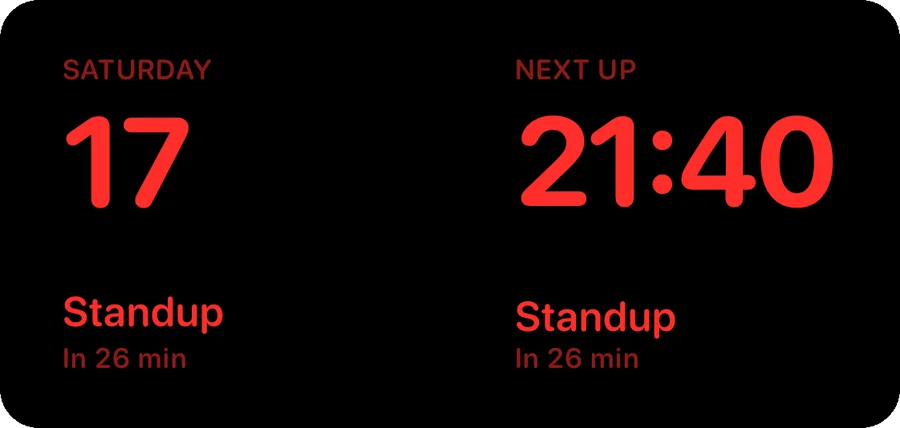
Turn your iPhone on its side while it charges: your day reads from across the room, and in red at night.
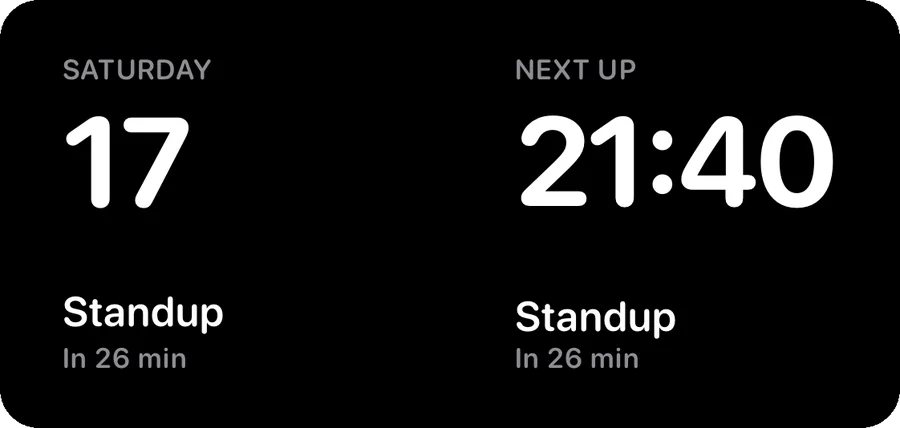

StandBy and the widgets come with Karu Pro.
Pick an accent and Karu wears it, from the app to its widgets.
Three packs, each one a single purchase. Yours for good, on iPhone and Mac.
16 app icons, 8 gradient accents, 2 fonts and 11 notification sounds. Pick an icon and Karu wears it.
Try it free for 7 days.
Record a meeting from its note. Karu writes down what it hears, and what you said stays next to what you wrote.
On Mac.
Meeting
One on one with Marcos
So the rotation starts the week after the launch, not before.
Today
Marcos wants the rotation change before the launch.
Send Marcos the rotation change
Today, Tasks, Calendar and Up Next, on your Home Screen and in StandBy, in your accent.
On iPhone.


For Mac and iPhone.
Requires macOS 26 or iOS 26.
Questions? Support has the answers.
Karu